



Inkjet printers are among the most versatile printing technologies. They work using the inkjet process, in which tiny drops of ink are sprayed onto paper or other materials. These printers ensure high-quality print results and are very flexible, which makes them particularly popular for product marking. Find out everything you need to know about inkjet printers here.
What is an inkjet printer?
An inkjet printer shoots ink in the form of tiny drops precisely onto a surface to produce text or images, for example. These droplets are produced either mechanically or by heat pulses. Inkjet technology is particularly suitable for detailed prints and has the decisive advantage that it can be printed on a wide variety of materials.
How do inkjet printers / inkjet printers work?
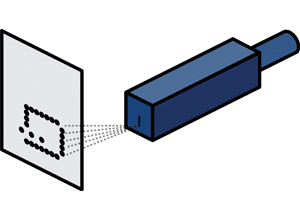
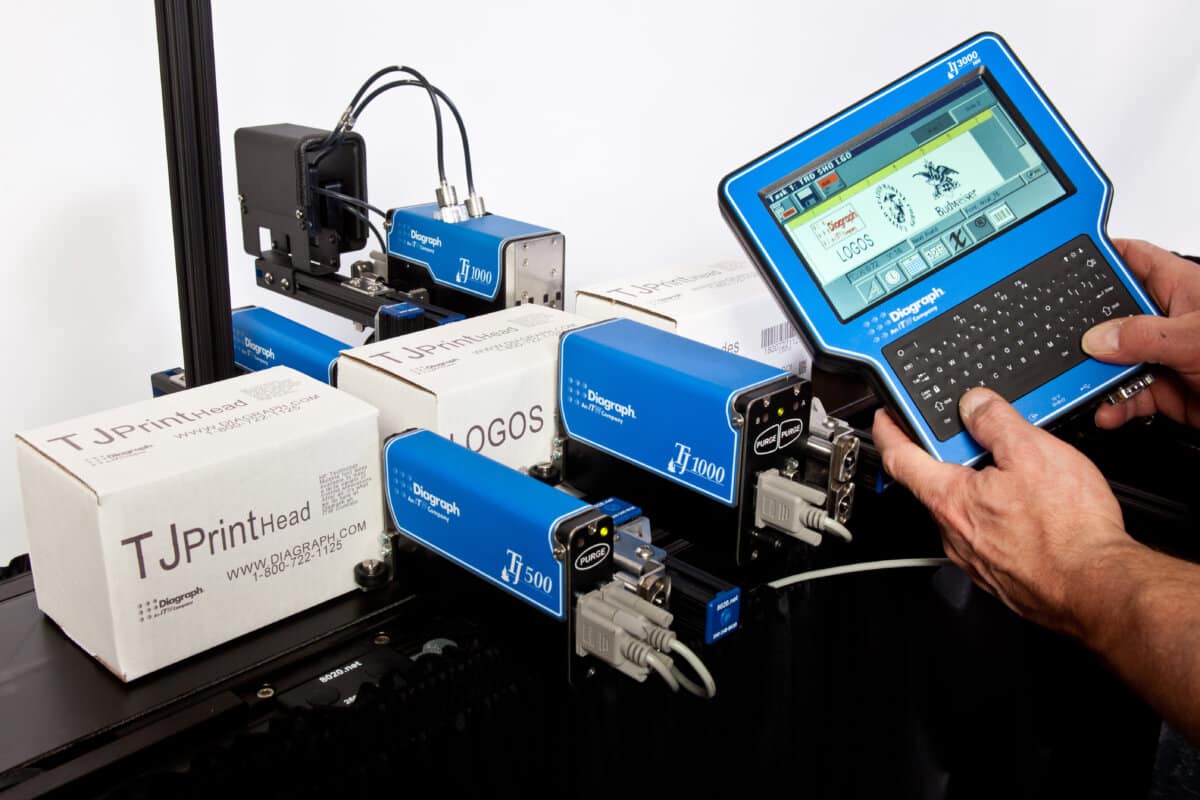
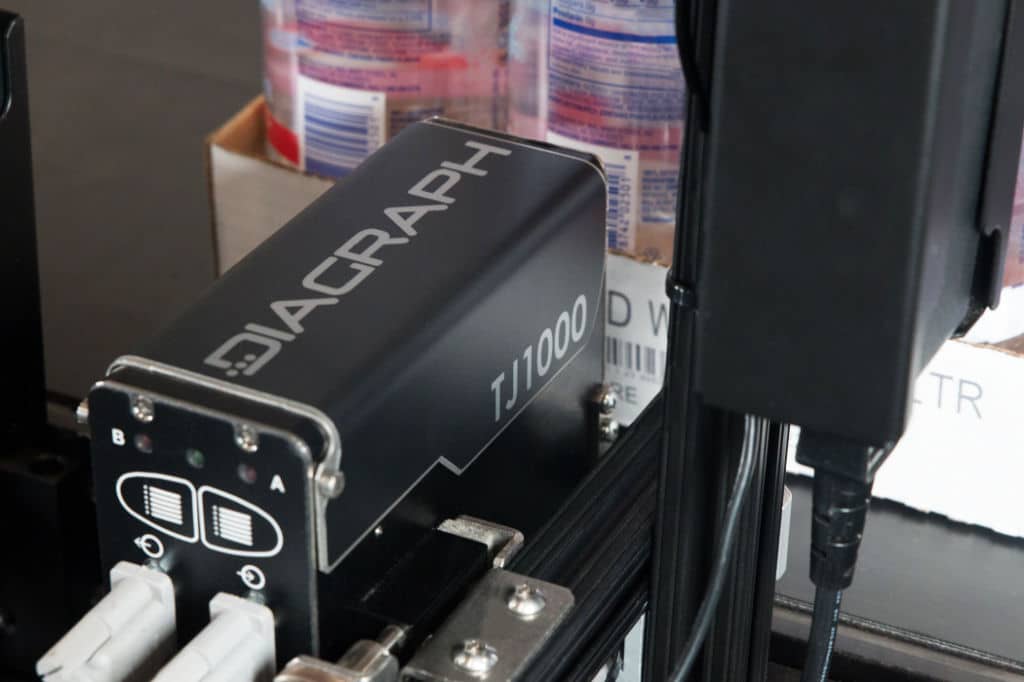
The functionality of an industrial inkjet printer is based on the targeted control of ink droplets. There are two main methods: The Drop-on-demand process many nozzles are arranged in a row - e.g. one above the other. Behind the nozzles is a volume filled with ink. To create an image dot, ink is only if required is ejected at the respective point. At the Continuous inkjet process is a continuous inkjet which is separated into droplets and deflected by electrical impulses. The image dot at a defined point is created by the precise deflection of the drop. Both methods enable the creation of complex markings and print images on a passing product - with specific applications as well as advantages and disadvantages.

Differences between the inkjet printer and other printing processes
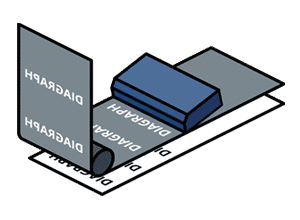
Among the non-contact marking processes, inkjet printing can best be compared with laser printing.
Laser printing
-
A laser marker does not require any consumables
-
Used for very high speeds
-
Very expensive wearing parts
-
Not suitable for all materials
Inkjet printing
-
The drop-on-demand (DOD) or continuous inkjet (CIJ) processes are comparatively inexpensive to purchase
-
Wear parts are inexpensive
-
Labeling of various materials is possible
-
Consume permanent ink and some solvents
It can therefore be said that if the inkjet printer has been selected to suit the application, you have a very flexible and cost-effective printing solution in use.

ARRANGE A CONSULTATION APPOINTMENT ONLINE NOW
Make an appointment here for a free print image consultation
Your contact person:

Inkjet printing process: Drop-on-demand vs. continuous inkjet
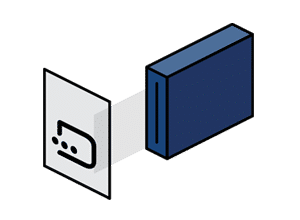
With the drop-on-demand (DOD) and continuous inkjet (CIJ) processes, inkjet printing offers different approaches that play to their strengths depending on the planned application. In industrial marking, the drop-on-demand category is further subdivided into piezo inkjet (or large character inkjet), thermal inkjet and valve jet. While thermal inkjet is ideal for precise, detailed printing of small to medium quantities, CIJ impresses with its high speed and efficiency when processing large production quantities that require purely informational printing - such as best-before dates and batch numbers. The large character printer (Piezo Inkjet or Large Character Inkjet), on the other hand, can produce high-resolution, 50 to several hundred millimetre high imprints on outer packaging (e.g. cardboard boxes or wooden crates) - at high production volumes and high speeds. All processes offer precise results, but are optimized for different requirements.
Drop-on-demand (DOD)
Large character printer
Large character printers are special industrial printers from the drop-on-demand category that print large, legible markings (logos, barcodes, text) on various materials such as cardboard, wood, sacks or building materials. These printers are highly efficient, flexible, durable and robust enough for continuous operation in industrial companies. With one print head of the large character printer, high-resolution prints of up to 100 mm in height can be produced on a wide variety of materials.
Click here for the large character printer.
Thermal inkjet
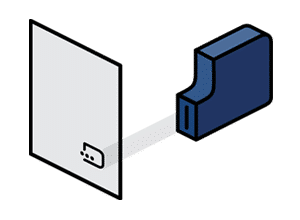
Thermal inkjet printers use thermal drop-on-demand technology, which uses heat to release tiny drops of ink onto the print surface. The advantage of thermal inkjet technology is its high resolution and ability to print fine details such as text, barcodes and logos in high quality. They are very flexible and can be used on a wide variety of materials such as cardboard, plastic or glass. Thermal inkjet printers are energy-efficient, offer a high printing speed and are particularly widespread in the packaging industry and product labeling.
Click here for the thermal inkjet printer.
Click here for the Continuous Inkjet printer.
All inkjet printing processes deliver high-quality results, but their benefits vary depending on the industry or product marking application.
Advantages of an inkjet printer
Inkjet technology means that only the ink droplets come into contact with the product, making it possible to label delicate and uneven packaging.
DOD processes in particular can deliver high-resolution results. Ink droplets are placed precisely, resulting in excellent print quality, especially for logos, graphics, barcodes and small font sizes.
Inkjet printers can print on various materials such as paper, plastic, textiles or metal. In addition, the print content, such as text, codes or graphics, can be changed without having to retool.
Inkjet printers are an inexpensive way of marking products compared to labeling.
Inkjet printers are very energy-efficient and can be used with environmentally friendly water-based or oil-based (mineral oil-free) inks.
Choosing the right inkjet printer: You should pay attention to this
Check which materials are to be labeled, such as cardboard, plastic, glass or metal.
How many product labels must the printer be able to handle per day/week/month? How many hours a day does the printer need to be available? How fast does your production line run? Precise answers to these questions will bring you closer to deciding on a specific inkjet technology.
Make sure that the printer can achieve the required print height (e.g. 10 mm, 50 mm, up to 100 mm or flexible?) for your applications.
The printer must be able to work reliably under the specific environmental conditions such as temperature, humidity or dust in your production environment.
Make sure that the printer fits into the available production space and offers sufficient room for maintenance and operation, or whether it even needs to be transportable.
An intuitive user interface makes it easier to use and reduces the amount of training required.
Inkjet printing in the industry
Inkjet printing in product coding has revolutionized the industry and offers companies an efficient solution for various industry requirements. From best-before dates to individual end customer designs on the outer carton - the possible applications are diverse. The ability to print directly onto the product eliminates the need for consumables and additional steps such as applying a label - saving time and money.
-
Areas of application for the inkjet printer in the commercial sector
Inkjet printing is primarily used for marking products, such as barcodes, serial numbers or logos. It is particularly important in the food and beverage industry due to its flexibility and adaptability to different production requirements. Inkjet printers are also ideal for direct marking on packaging, such as printing best-before dates or batch numbers, as well as for packaging printing on various materials such as cardboard or wooden pallets.
-
Inks and materials for industrial applications
Special inks are available for industrial applications that are tailored to the respective material surface. These include waterproof, UV-resistant or heat-resistant inks. These ensure long-lasting print results that can withstand the demands of industrial environments. Special inks that can be used safely on food packaging are also available.
-
Automation and integration of industrial printing systems
Modern inkjet printers can be seamlessly integrated into production lines and controlled via digital systems. Automation ensures consistently high quality and reduces the workload. This allows companies to increase their efficiency and reduce production costs. This flexibility is a decisive advantage, especially in fast-moving industries.
Frequently asked questions about large character printers
Do you have further questions? You can find more details here.
What is an inkjet coder?
An inkjet coder is a special inkjet printer that is used for marking and coding products in industry. It is a term for inkjet printers for industrial applications, so in this context it is often used as a synonym for inkjet printer. It prints information such as serial numbers, barcodes, production data or logos directly onto packaging or products.